
4 Ways to Ask for a Review from your Clients (Without Feeling Awkward)
In the competitive world of professional photography, your portfolio gets clients to look, and your reviews get them to book with confidence.
But asking directly for a review can feel uncomfortable. Here's 4 ways to ask in a way that doesn't feel awkward.
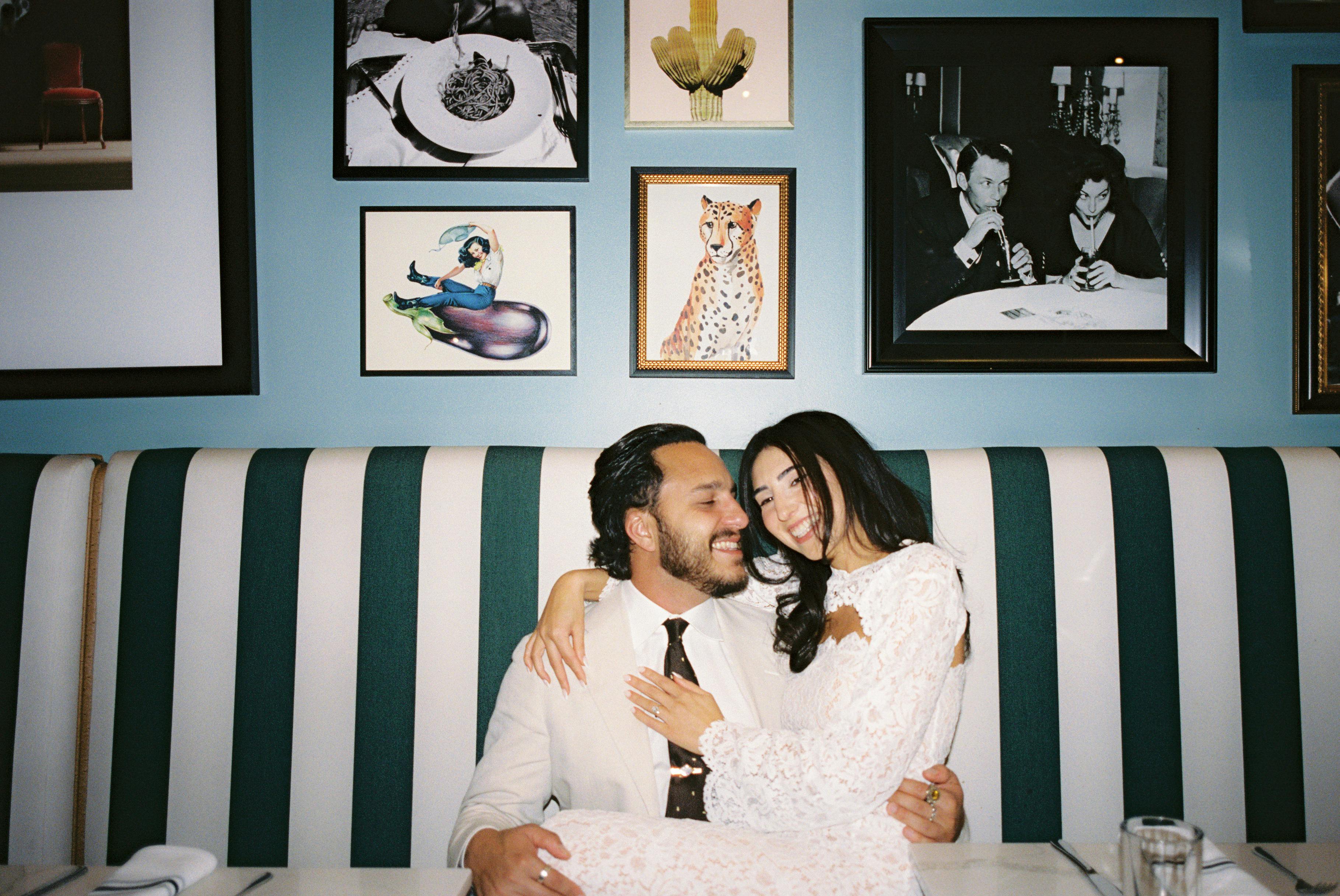
1. The "Sneak Peek" Strategy
Don't wait until the full gallery is done. Send 3–5 high-impact "sneak peek" images within 24–48 hours. While the client is riding the emotional high of seeing their photos, send a quick text or email: "I’m so obsessed with these! If you love them too, would you mind sharing that excitement in a quick review? It helps me more than you know!"
2. The "Educational" Approach
Frame the request as a way to help future clients. Explain that reviews help other couples or families find a photographer they can trust. When you deliver the final gallery, include a note: "My goal was to make you feel comfortable and captured. If you feel I achieved that, sharing your experience helps other couples find the same peace of mind."
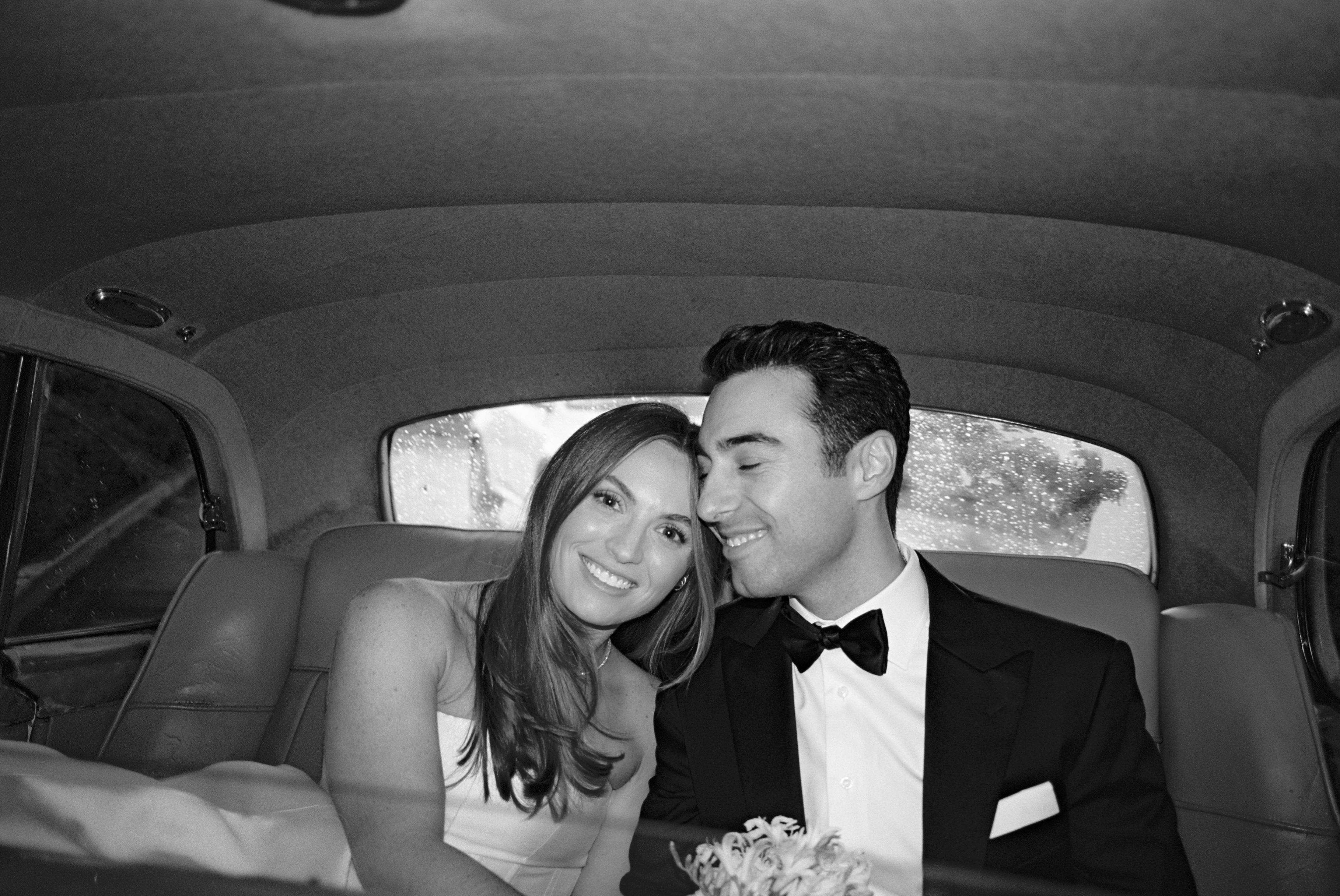
3. The "Automated Milestone"
Use Swiftbooks to send an automated email 7 days after the final gallery is downloaded. By then, they’ve shared the photos with family and heard all the compliments. The "awkwardness" is removed because the system handles the "ask" while you stay the creative hero.

4. The "Value-Add" Incentive
Offer a small "thank you" for their time. "I love hearing your feedback! As a thank you for leaving a Google review, I’d love to include an extra 8x10 print with your next order." This turns a "favor" into a "win-win."
-Final Thoughts: Building a Brand That Speaks for Itself
Reviews are more than just a "nice-to-have" feature for your online presence, they're the digital foundation of your photography business. By implementing these 4 steps, you move from simply hoping for feedback to actively cultivating a reputation that does the heavy lifting for your marketing.
Images by Tyler Branch
What’s Next for Your Business?
-Check out our other guides to level up your photography workflow: